


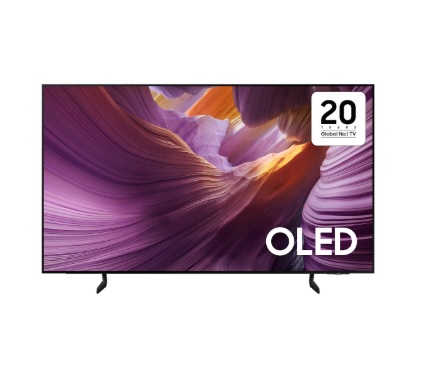
Highlights


NQ4 AI Gen2 Processor Feel the full power of AI in 4K 4K AI Upscaling Boost shows and movies to 4K resolution OLED HDR
Full-scale brightness and contrast PANTONE Validated Enjoy a full range of authentic colours.


Full-scale brightness and contrast
OLED HDR
Our processor analyses each scene and boosts for brightness. The result is a beautifully bright screen with improved contrast, which brings hidden details to light.

Enjoy a full range of authentic colours
PANTONE Validated
As a trusted symbol of colour fidelity by industry experts, ‘PANTONE Validated’ certifies the accurate expression of 2,140 PANTONE colours and 110 newly-added skin tone shades. So you can be sure that you’re getting a rich, true-to-life viewing experience.

Get smooth motion for games up to 120Hz
Motion Xcelerator 120Hz
Experience your favourite games without lag or blur. Samsung’s unique dynamic refresh technology provides smooth motion performance for VRR games up to 4K 120Hz.

One UI Tizen
Personalise your screen experience
One UI Tizen
One UI Tizen provides a personalised screen experience. With Samsung Tizen OS, it delivers all the latest innovative Samsung features. Your experience is also secured by Samsung Knox across SmartThings devices. Plus, One UI Tizen will support Tizen OS upgrades for the next 7 years.

Enjoy 7 years of
new TV experiences
for free

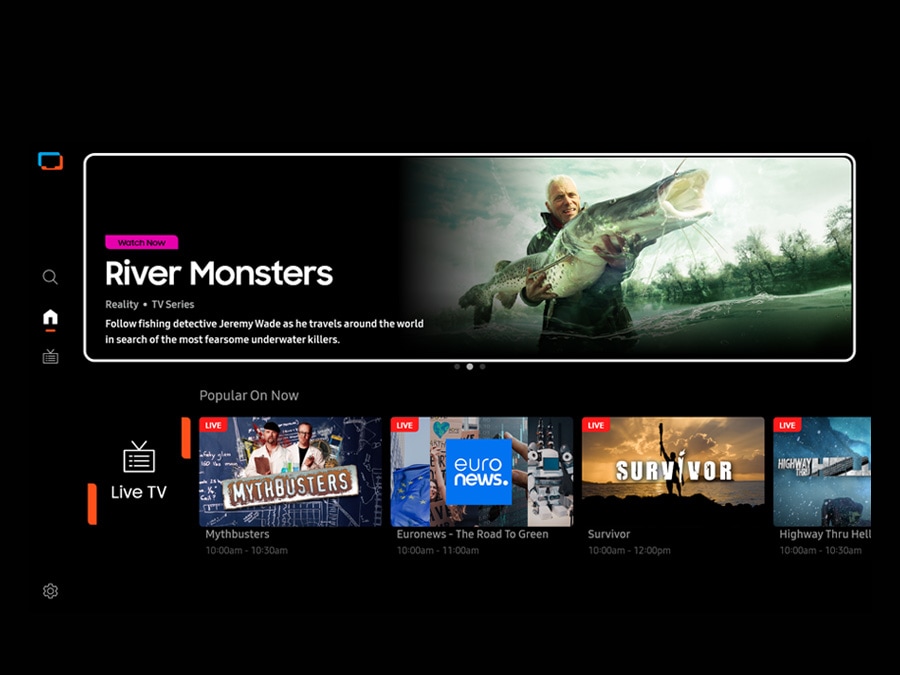
The best of TV. All for free.
Samsung TV Plus
Dive into a vast collection of shows, movies and other content on Samsung TV Plus. It comes installed for free on your TV — no payment, subscription or setup required.
* Channels may vary by country and are subject to change without notice.* Supported Samsung devices may vary by country.* Requires Samsung account.* UI is subject to change without prior notice.* Ads may appear on Samsung TV Plus.* Available for free on Samsung Smart TVs released since 2016.
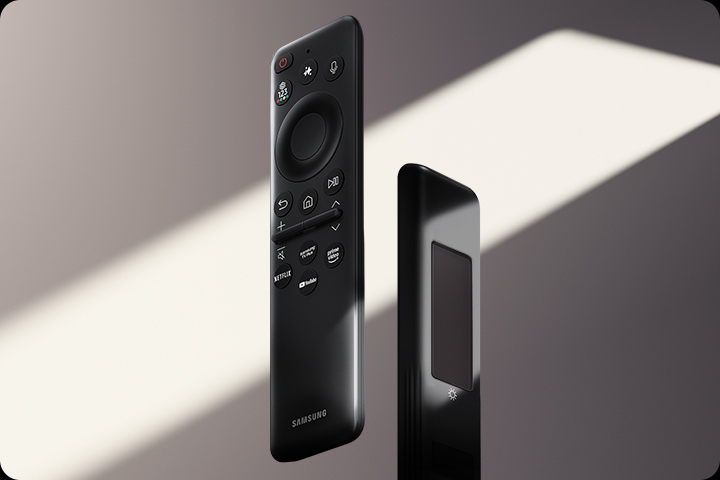
Charge it with light
SolarCell Remote
With a solar panel on its back, our SolarCell Remote is charged by light — no need for disposable batteries. And with smart features like a built-in microphone and voice assistant, this remote is innovative in more ways than one.
* To charge the remote with solar energy, set the TV remote down with the solar panel facing up. Place it in your living room while your lights are turned on, or you can place it near a window where it will soak in natural sunlight.* In case the remote’s battery is depleted, you can charge it using a USB-C cable. To check the remaining battery level of the remote control, refer to the TV Menu (Settings > General & Privacy > Power & Energy Saving > Available Remote Battery).


Reviews
There are no reviews yet.